The New Era of Cloud Gaming
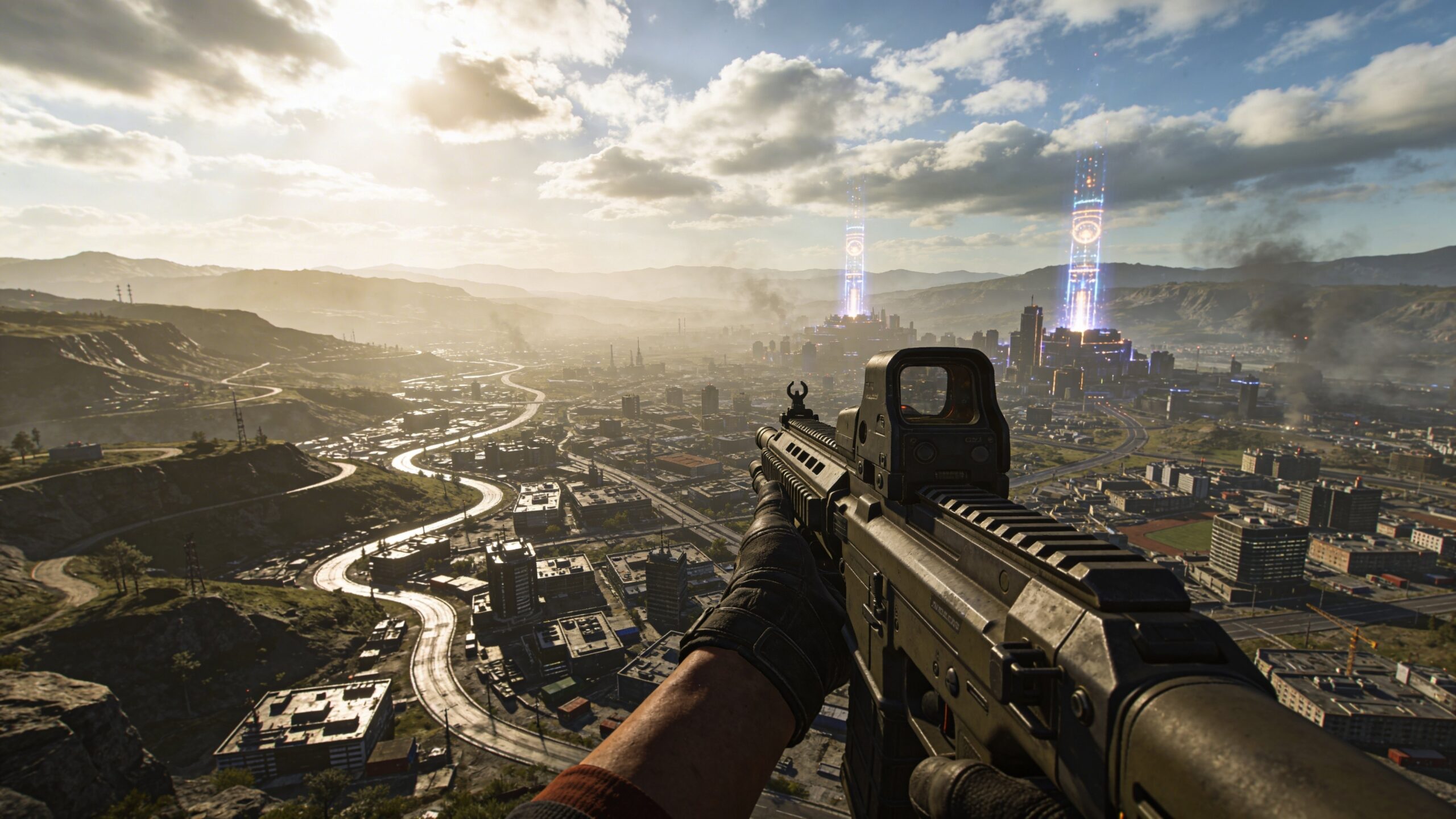
Cloud gaming has changed the way players think about hardware, performance, and access. Instead of relying on a powerful console or expensive gaming PC at home, cloud gaming moves the heavy processing to remote servers. The game runs in a data center, while the player receives a live video stream and sends controller inputs back over the internet. In simple terms, it turns gaming into an interactive stream. That sounds effortless on the surface, but the technology behind it is extremely demanding. Unlike watching a movie, a cloud game cannot simply buffer several minutes ahead. Every button press, camera turn, jump, dodge, shot, and menu selection has to travel instantly. The stream must respond fast enough to feel natural. This is where bandwidth becomes one of the most important parts of the cloud gaming experience.
A: Because the entire game video stream is sent from a remote server to your device in real time.
A: AI identifies important visual areas, improves compression, predicts motion, and reduces unnecessary stream detail.
A: Not always; AI can protect the most noticeable details while reducing data in less important areas.
A: It turns a lower-resolution stream into a sharper-looking image using intelligent reconstruction.
A: Both matter; bandwidth affects visual quality, while latency affects how responsive the game feels.
A: AI can improve efficiency, but it cannot fully overcome severe instability, weak signal, or very high latency.
A: Usually yes, because wired connections are typically more stable than Wi-Fi.
A: Fast motion needs more data, and the platform may reduce detail if your connection cannot keep up.
A: Yes, especially through lower-resolution streams, smart compression, and upscaling on smaller screens.
A: Use a lower resolution, stable connection, and any data-saver or performance mode your cloud gaming service provides.
What Bandwidth Means in Cloud Gaming
Bandwidth is the amount of data your internet connection can move over time. In cloud gaming, it determines how much visual information can be sent from the server to your device every second. The more pixels, frames, textures, colors, lighting effects, and motion detail a service sends, the more data it uses. A sharp 4K stream at high frame rates needs far more bandwidth than a lower-resolution stream. But bandwidth is not just about visual quality. It also affects stability. If a stream needs more data than your connection can consistently provide, the result can be blurry visuals, stutters, input lag, dropped frames, or sudden quality changes. Even if your internet plan looks fast on paper, real-world performance can shift depending on Wi-Fi strength, network congestion, router quality, distance from servers, and other devices using the same connection.
Why Cloud Gaming Uses So Much Data
Cloud gaming uses a lot of data because every second of play is streamed as live video. When you play a game locally on a console or PC, the device renders the world directly. The game files are already stored on your system, and your hardware creates the visuals. In cloud gaming, the server does that rendering remotely, then sends your screen a continuous video feed of the result.
That stream can be demanding because games change constantly. The camera moves, lighting shifts, enemies appear, particle effects explode, environments scroll, and user input changes the scene unpredictably. A calm strategy game with static menus is easier to compress than a fast racing game, battle royale, or action title filled with quick motion. The more the image changes from moment to moment, the harder it is to reduce the data without hurting quality.
The Difference Between Streaming Video and Streaming Games
Traditional video streaming has a major advantage: the content is already known. A service can prepare multiple versions of a movie or show in advance, compress it carefully, and let your device buffer future scenes. If the connection slows down, the video can keep playing from the buffer while the service adjusts quality behind the scenes.
Cloud gaming does not have that luxury. The next frame depends on what the player does right now. If you turn left instead of right, jump instead of crouch, or fire instead of reload, the server must respond immediately. There is no long buffer to protect the experience. This makes cloud gaming one of the most demanding forms of entertainment streaming because it combines video compression, server rendering, networking, and real-time interaction.
Where AI Enters the Picture
Artificial intelligence helps cloud gaming by making smarter decisions about what data needs to be sent, what can be compressed, what can be predicted, and what can be reconstructed on the player’s device. Instead of treating every pixel as equally important, AI can evaluate the scene and prioritize the parts of the image that matter most.
For example, AI can identify where the player is likely looking, where motion is happening, which objects are central to gameplay, and which background details can be compressed more aggressively. It can also help predict network changes before they become visible problems. In simple terms, AI gives cloud gaming systems a better sense of what to preserve, what to simplify, and how to keep the experience smooth while using less data.
Smarter Compression: Sending Less Without Looking Worse
Compression is the process of reducing file size or stream size while trying to preserve quality. Cloud gaming already relies on video compression, but AI makes compression more intelligent. Traditional compression looks for patterns and repeated information across frames. AI can go further by learning what game scenes typically look like and deciding which details are visually important.
A brick wall in the far background may not need the same data priority as a moving enemy, a racing line, a crosshair area, or the road directly ahead. AI-assisted compression can protect sharpness in key gameplay zones while reducing detail in areas the player is less likely to notice. This does not mean the stream becomes low-quality. It means the available bandwidth is spent more carefully.
Predictive Streaming and the Power of Guessing Right
One of AI’s most exciting roles in cloud gaming is prediction. Games are interactive, but player behavior often follows patterns. If a player is turning the camera to the right, an AI system may predict that the next frames will continue in that direction. If a racing car is moving forward at high speed, the system can anticipate how the road and environment may shift. If a player is walking down a hallway, the stream can prepare for what is likely to enter the frame next.
This kind of prediction can reduce wasted data. Instead of reacting only after a scene changes, the system can prepare smarter encoding decisions ahead of time. When the prediction is accurate, the stream feels smoother and more stable. When prediction is combined with fast correction, even imperfect guesses can be adjusted quickly before the player notices.
AI Upscaling: Lower Data, Higher Perceived Quality
AI upscaling is one of the biggest reasons cloud gaming can use less data while still looking sharp. Instead of streaming every frame at the highest possible resolution, a service can send a lower-resolution version and use AI to rebuild it into a sharper image on the device or near the edge of the network. This allows the stream to carry less raw data while maintaining a high-quality visual impression.
The key is that modern AI upscaling does more than stretch an image. It can infer edges, restore detail, clean artifacts, and sharpen motion based on learned visual patterns. For cloud gaming, this can mean a stream that behaves like a lighter data feed but looks closer to a higher-resolution output. The result is not always identical to native rendering, but when done well, it can feel impressively close.
Frame Generation and Data Efficiency
AI can also help with frame generation, where intermediate frames are created between rendered frames to make motion appear smoother. In a cloud gaming context, this has the potential to reduce bandwidth pressure because the system may not need to transmit every single high-detail frame in the same way. Some visual continuity can be generated or assisted by AI. This is especially useful when combined with smart timing and low-latency design. Cloud gaming cannot tolerate sloppy frame generation because added delay can hurt responsiveness. But when implemented carefully, AI-generated or AI-assisted frames can improve perceived smoothness without requiring the same amount of data as a fully transmitted high-frame-rate stream.
Scene Awareness: Knowing What Matters Most
Not all parts of a game scene are equally important. A health bar, enemy silhouette, aiming reticle, road edge, puzzle object, or fast-moving target may matter far more than decorative background scenery. AI scene analysis can help identify these priorities in real time. This lets the system protect clarity where it matters most and apply heavier compression where the tradeoff is less noticeable.
In fast gameplay, this can be the difference between a stream that feels playable and one that feels muddy. A player may forgive slight softness in a distant mountain, but not a blurry opponent in the center of the screen. AI bandwidth optimization is about making those choices intelligently and instantly.
Motion-Aware Bandwidth Control
Motion is one of the hardest parts of video compression. When a scene changes quickly, compression systems must work harder to preserve clarity. AI can analyze motion patterns and determine how to allocate bandwidth during fast action. A slow scene may need less data, while a fast combat sequence may need more.
This dynamic approach helps prevent the stream from wasting bandwidth during quiet moments. Instead of sending the same amount of data every second, the system can adapt. When the player pauses in a menu or walks through a calm environment, the stream can reduce data use. When the action intensifies, it can shift resources toward maintaining responsiveness and visual clarity.
Network Prediction and Adaptive Bitrate
Adaptive bitrate streaming adjusts video quality based on connection conditions. AI improves this by making the system more proactive. Instead of waiting for a connection problem to happen, AI can analyze signals such as packet loss, latency changes, jitter, Wi-Fi instability, and device behavior to predict when bandwidth may drop.
This helps the stream adjust before the player sees a major quality collapse. A traditional system might react after buffering, stuttering, or frame drops begin. An AI-assisted system can lower bitrate slightly ahead of time, preserve smoothness, then restore quality when the connection improves. The goal is not always maximum resolution. The goal is consistent playability.
Edge Computing and Shorter Data Trips
AI can also work with edge computing, where cloud gaming services use servers closer to the player. The shorter the distance between player and server, the faster input and video can travel. Edge systems can reduce latency, but they also help bandwidth efficiency by enabling faster adaptation and more localized decision-making.
When AI processing happens closer to the user, the stream can respond quickly to changing conditions. This could mean smarter upscaling, faster compression decisions, better input prediction, and more stable performance. The less distance data has to travel, the easier it becomes to maintain a responsive gaming experience.
How AI Helps Players With Data Caps
For players with monthly data caps, cloud gaming can feel risky. A high-quality cloud gaming session can consume significant data, especially at higher resolutions and frame rates. AI optimization can help by reducing unnecessary data use while preserving the experience players care about most. This matters for households where multiple people stream, work, attend school, download games, or watch video. If cloud gaming becomes more efficient, it becomes more practical for more players. AI does not eliminate data use, but it can reduce waste. That can make cloud gaming more accessible for people who do not have unlimited high-speed internet.
Better Gaming on Slower Connections
AI bandwidth reduction is not only about saving data. It is also about making cloud gaming work better on imperfect connections. Many players do not have ideal fiber internet. Some rely on shared apartment Wi-Fi, rural broadband, mobile hotspots, or older routers. In those situations, raw speed may be inconsistent.
AI can help smooth out those rough edges by adjusting quality more intelligently, predicting drops, prioritizing gameplay-critical visuals, and reducing the amount of data needed for a satisfying stream. This can turn cloud gaming from something that only works well under perfect conditions into something more flexible and forgiving.
The Role of Input Prediction
Cloud gaming is not just about what players see. It is also about how fast the game responds. AI can study player input patterns to help reduce the feeling of delay. For example, if a player is holding a direction, tracking a target, or continuing a common movement pattern, the system may be able to anticipate likely next inputs.
This must be handled carefully because incorrect predictions can feel strange. A game cannot simply assume the player’s actions and ignore real input. But when prediction is used subtly, it can help the system prepare frames and responses faster. Combined with low-latency networking, input prediction can make cloud gaming feel more natural.
Why AI Does Not Replace Good Internet
AI can make cloud gaming more efficient, but it does not break the laws of networking. A stable connection is still important. Low latency, minimal packet loss, strong Wi-Fi, and consistent download speed still matter. AI can reduce data demands and make streams more resilient, but it cannot fully fix a weak signal, overloaded network, or distant server.
Think of AI as a skilled traffic manager. It can direct data more intelligently, reduce congestion, prioritize important information, and avoid waste. But if the road is completely blocked, there is only so much it can do. The best cloud gaming experience still comes from a strong connection paired with smart streaming technology.
Visual Quality Versus Data Savings
The major challenge for AI-powered bandwidth reduction is balance. If a system compresses too aggressively, the stream may look blurry or artificial. If it saves too little data, the player does not benefit. The best systems aim for perceptual quality, meaning they focus on what players actually notice during gameplay rather than chasing perfect technical detail in every pixel.
This is why AI is such a natural fit. Games are full of visual hierarchy. Some details matter instantly, while others fade into the background. AI can help make those decisions at high speed, giving players a stream that looks better than its data usage might suggest.
Game Genres and Bandwidth Needs
Different genres place different demands on cloud gaming. Competitive shooters, racing games, fighting games, and fast action titles require very low latency and smooth motion. Open-world adventures may emphasize visual richness and distant detail. Strategy games, turn-based games, and slower narrative titles may tolerate lower bandwidth more easily. AI can adapt to these differences. A cloud gaming system does not need to treat every game the same way. It can tune compression, upscaling, motion handling, and bitrate behavior based on the type of game being played. That genre-aware approach can reduce data use while preserving the qualities that make each game feel right.
Device Differences Matter Too
Cloud gaming happens on many devices: smart TVs, laptops, tablets, phones, handhelds, and streaming boxes. Each device has different screen size, processing power, display resolution, battery limits, and network behavior. AI can help optimize the stream for the device instead of sending a one-size-fits-all feed.
A phone screen may not need the same data as a large 4K television. A handheld device may benefit from lower bandwidth and stronger upscaling. A high-end TV may need more careful detail preservation. AI can consider these differences and deliver a more efficient experience tailored to the screen in front of the player.
The Future of AI-Efficient Cloud Gaming
The future of cloud gaming will likely be shaped by smarter compression, local AI processing, better upscaling, predictive networking, and deeper integration between games and streaming platforms. Instead of streaming games as simple video feeds, cloud platforms may increasingly understand the game world itself. They may know which objects are interactive, which areas are important, and which visual details can be reconstructed later.
This could lead to streams that feel sharper, faster, and more stable while using less data. Cloud gaming may become less dependent on brute-force bandwidth and more dependent on intelligence. That shift could make high-quality gaming available on more devices, in more places, for more players.
Why Less Data Can Mean Better Gaming
Using less data does not automatically mean a worse experience. In cloud gaming, less data can actually mean a better experience if the reduction is intelligent. A lighter stream can travel more reliably, adapt faster, reduce stutters, and work across more connections. When AI preserves the most important details and removes waste, players may get smoother gameplay with fewer interruptions.
The real breakthrough is not simply lowering bandwidth. It is lowering bandwidth while protecting the feeling of control, clarity, speed, and immersion. That is what makes AI so powerful in this space. It helps cloud gaming become less fragile and more responsive to real-world internet conditions.
Final Thoughts
Cloud gaming bandwidth is one of the most important pieces of the streaming puzzle. Without enough data, games can look blurry, feel delayed, or become frustrating to play. But AI is changing how bandwidth is used. Instead of sending every detail with equal priority, AI helps cloud gaming platforms compress smarter, upscale better, predict motion, adapt to networks, and focus data where it matters most. As these technologies improve, cloud gaming has the potential to become smoother, sharper, and more accessible. Players may not need perfect internet to enjoy high-quality gameplay. They may not need massive downloads or expensive hardware upgrades. With AI making every bit count, cloud gaming can become more efficient, more practical, and more exciting for the next generation of play.