The Pocket-Sized Console Dream Finally Got Real
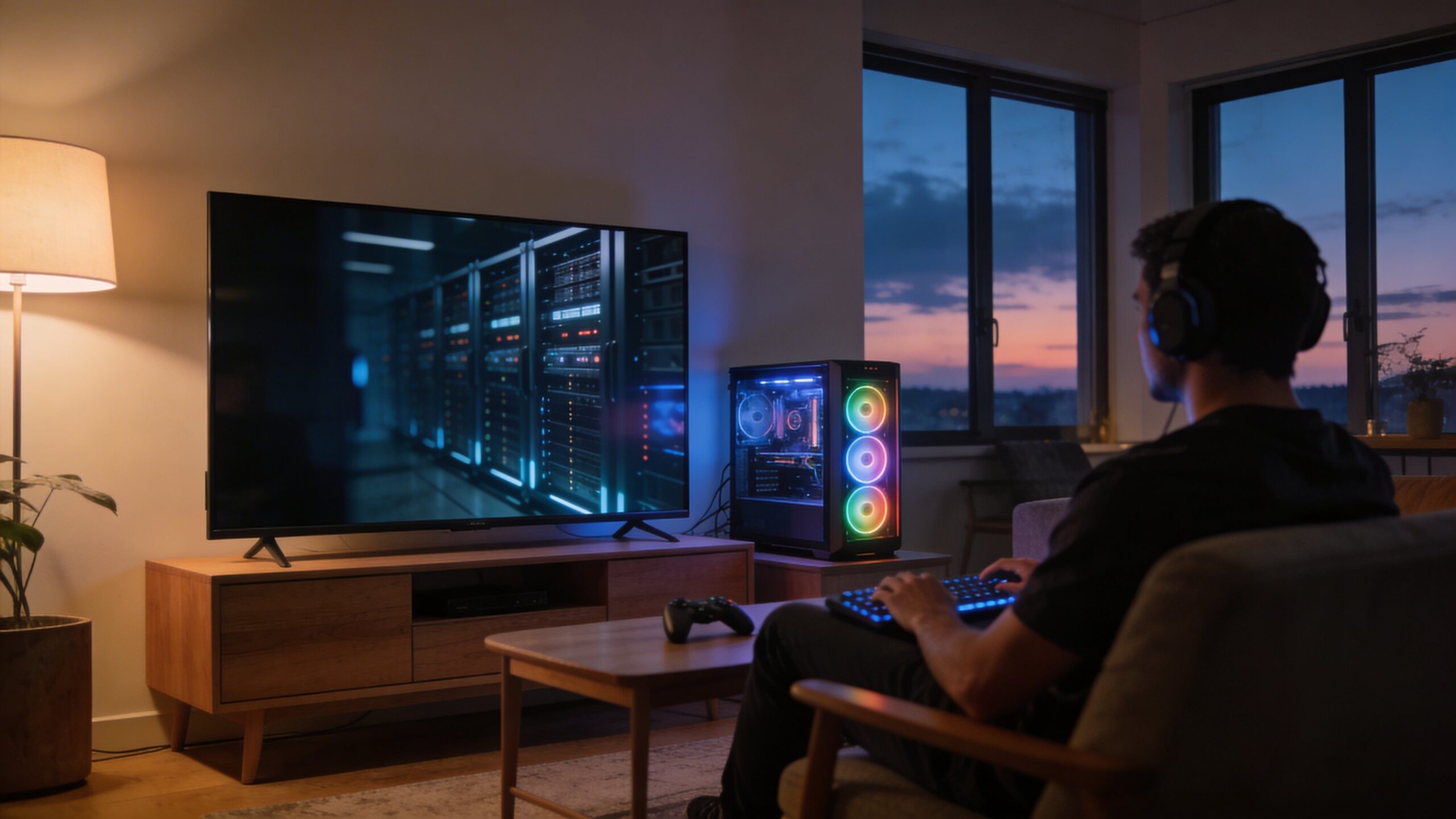
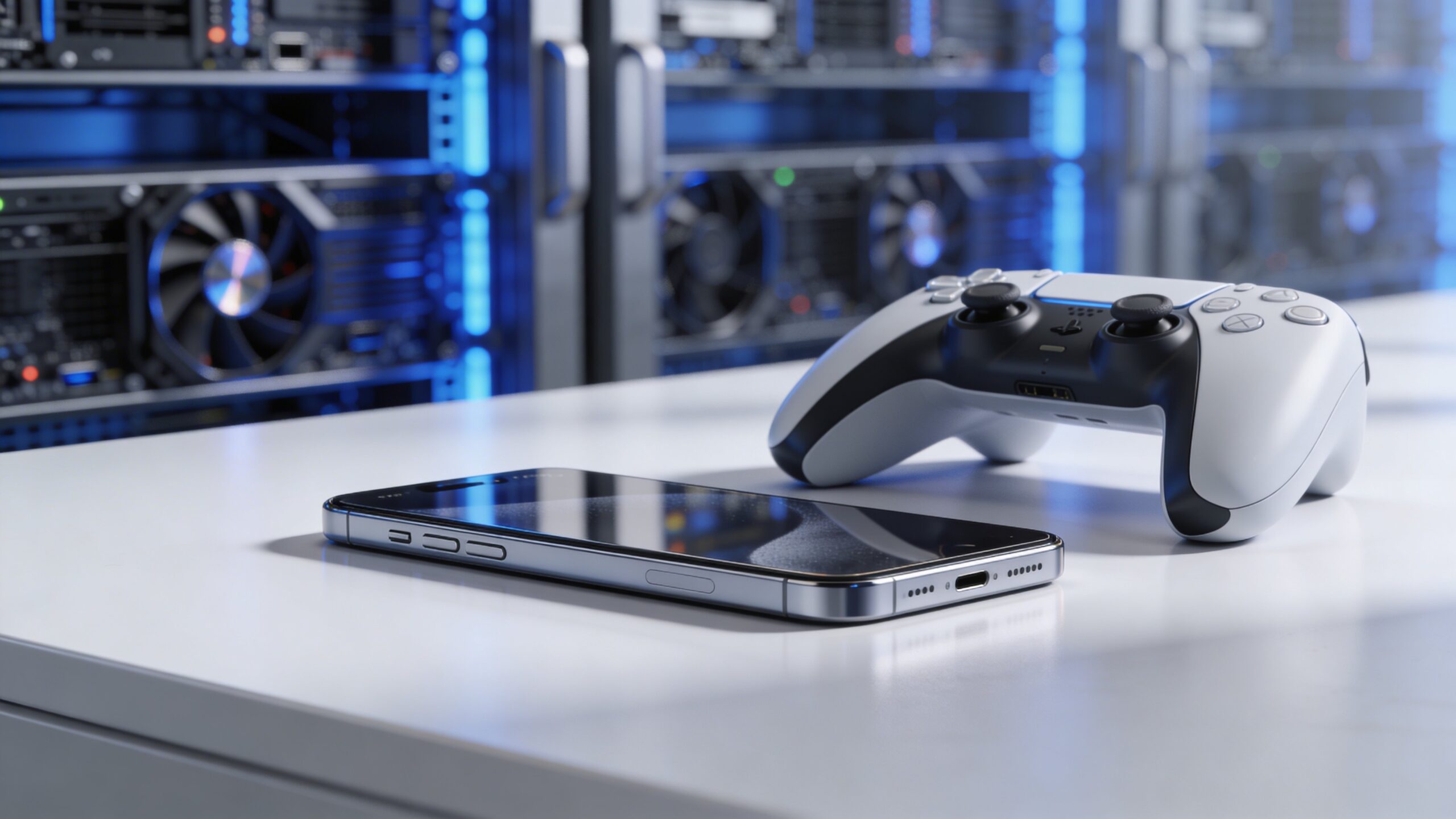
For years, “console-quality gaming on phones” sounded like marketing—until cloud computing and AI quietly rewired what a phone needs to be. Instead of forcing a slim handset to behave like a living-room powerhouse, cloud gaming flips the model: the heavy lifting happens in data centers with high-end GPUs, while your phone becomes a smart window into a game that’s running elsewhere. Cloud AI is the difference between “it streams” and “it feels like you’re actually playing,” because it helps predict, compress, upscale, stabilize, and personalize the experience in real time. The result is a new kind of mobile gaming stack: a fast connection, a responsive stream, and AI-driven systems that hide latency, sharpen visuals, and keep everything smooth—even when networks wobble. When it works well, the illusion is convincing: crisp image quality, steady frame pacing, and controls that feel immediate enough to forget the game isn’t running locally.
A: Often yes visually, because the server uses powerful GPUs—quality depends on connection stability and distance to the server.
A: For feel, latency and jitter matter most; for image quality, bandwidth helps keep resolution and clarity high.
A: Adaptive bitrate lowers quality to avoid buffering when bandwidth dips, then restores it when conditions improve.
A: Many are, especially with nearby servers and low-latency modes, but the most competitive play still favors local hardware.
A: Not always, but a controller often improves precision and reduces touch-control friction for console-style games.
A: Not always—strong Wi-Fi can be steadier; 5G shines when signal is strong and congestion is low.
A: Speed tests don’t capture jitter, packet loss, or route changes—those can cause stutters.
A: It can reduce heat from local rendering, but decoding and network use still draw power—results vary by device and brightness.
A: Use 5 GHz/Wi-Fi 6 when possible and play closer to your router, or choose the nearest server region if available.
A: Yes—better upscaling, smarter encoding, and more edge locations steadily reduce artifacts and make play feel more native.
The Core Shift: Games Run in the Cloud, Not on the Phone
Traditional mobile games are built around phone limits: battery, heat, memory, and a mobile GPU that must share space with everything else your device does. Console and PC games assume the opposite: sustained performance, powerful cooling, and a consistent environment. Cloud gaming bridges that gap by hosting the game on a remote machine—typically a server with a console-class GPU and CPU—and sending the result to your phone as a video stream. That sounds simple, but it’s a tightrope act. Every button press must travel up to the server, affect the game, render a new frame, then travel back to your phone fast enough that you don’t feel the distance. Cloud AI helps everywhere the system can “cheat honestly”: by reducing the amount of data that must travel, making the video look better at lower bitrates, smoothing motion, and anticipating what you’re likely to do next so the game feels snappy.
The Streaming Pipeline: What Actually Happens After You Tap “Play”
When you launch a cloud game, you’re essentially renting a powerful gaming rig for a session. The server runs the game, renders frames, and hands those frames to an encoder. That encoder compresses the video into a stream your phone can decode quickly. Your phone displays the frames, captures your inputs, and sends them back. This loop repeats dozens of times per second, and the magic is that it can still feel like a local device.
AI shows up as the system’s reflexes. It can detect changing network conditions, switch encoding settings mid-stream, and choose the best way to preserve detail (like edges, textures, and UI clarity) when bandwidth drops. Without AI, the pipeline works, but it’s brittle; with AI, it becomes adaptable, and adaptability is what keeps console-grade experiences playable on phones.
AI Upscaling: Turning “Good Enough” Streams Into Sharp, Premium Visuals
One of the biggest tricks in cloud gaming is that you don’t always need to stream native 4K visuals to look impressive on a phone. AI upscaling can start from a lower-resolution frame—sometimes significantly lower—and reconstruct a sharper image with cleaner edges, better texture detail, and more stable fine patterns. That means the service can send less data while still delivering a premium-looking picture.
This matters because phones are unforgiving screens. They’re small, yes, but they’re also high-density, bright, and close to your face. Compression artifacts, blurry textures, and shimmering edges stand out immediately. AI-based super-resolution helps hide those flaws, especially in motion. It can also stabilize details that normally “crawl” when compressed, making scenes look less like a stream and more like a game rendered on-device.
AI Compression: Smarter Bit Allocation, Cleaner Motion
Video compression is about deciding what to keep and what to throw away. Traditional encoders use rules and heuristics, but games are uniquely hard: fast camera pans, particle effects, dense foliage, and high-contrast UI all compete for bandwidth. AI-assisted encoding can learn what humans notice most and preserve it more intelligently—like faces, text clarity, aiming reticles, or the edges that define a character against a background. In practice, this can mean fewer ugly block artifacts during explosions, less smearing in dark scenes, and better readability of menus without cranking bitrate to the sky. The more efficiently the stream carries “perceived quality,” the more likely you are to get a console-like look on everyday connections, not just in perfect Wi-Fi conditions.
Latency: The Enemy of Feel, and How Cloud AI Fights It
The moment controls feel “floaty,” the illusion breaks. Latency isn’t just one delay; it’s the total of input capture, network travel, server processing, rendering, encoding, delivery, decoding, and display timing. Cloud AI helps reduce perceived latency even when physics won’t let you reduce actual distance.
One method is prediction. AI can anticipate near-future frames based on motion trends and likely player actions, smoothing the time between real frames arriving. Another is input prediction, where the system guesses your next movement in common patterns—like continuing a sprint, finishing a turn, or maintaining a camera direction. These techniques must be subtle and carefully corrected when wrong, but when done well, they shrink the “lag feeling” that makes cloud gaming hard for competitive play.
Edge Computing and 5G: Bringing the Server Closer to Your Hands
A major reason cloud gaming improved in recent years is that servers can be placed closer to where people actually live and play. This “edge” approach cuts the distance your inputs and frames must travel. 5G adds another advantage: lower network latency potential and stronger throughput in many scenarios, especially when your phone has a good signal and the network isn’t congested.
Cloud AI works alongside this by constantly monitoring network jitter, packet loss, and bandwidth swings. Instead of letting the stream collapse into stutters, AI can adapt: lowering resolution, changing encoding profiles, or adjusting frame pacing to keep controls responsive. The goal is consistency. Console-quality isn’t only about sharp graphics—it’s about stable feel, and stability is often more about networking than raw GPU power.
Frame Pacing: Why “Smooth” Is More Than FPS
People talk about frame rate, but what you feel is frame pacing—how evenly frames arrive and display. A game can report 60 FPS and still feel rough if frames bunch up or arrive inconsistently. In cloud gaming, unevenness can come from network jitter, encoder hiccups, or server load. AI-based stream management can detect micro-stutters and apply compensation: smoothing frame delivery, choosing when to drop or duplicate frames, and minimizing the “rubber-band” sensation.
This is where cloud AI can make a stream feel premium even if it isn’t perfect. The best systems don’t just chase high resolution; they chase predictability. When your brain learns the rhythm of a game, you react faster, aim better, and feel more in control—exactly what “console-quality” is supposed to mean.
Battery, Heat, and Why Cloud Gaming Can Feel Surprisingly Light
Running a big game locally on a phone can torch battery and heat up the device fast. Cloud gaming shifts much of that work away from your phone, but it doesn’t make the phone do nothing. Decoding video, maintaining a strong network connection, and keeping the screen bright still draw power. The balance is that cloud gaming often avoids the worst heat spikes caused by sustained 3D rendering.
AI can optimize this too. Some systems tune the stream so your phone’s decoder works efficiently, or adapt settings to reduce power draw when the battery is low. Over time, expect more “quality modes” that don’t just target visuals, but target comfort: keeping phones cooler, extending play sessions, and preventing performance drops caused by thermal throttling.
Personalization: AI-Driven Quality That Adjusts to You, Not Just the Network
Two players can have the same internet speed and still experience cloud gaming differently. Device screens vary, controllers vary, and tolerance for latency varies by game genre. Cloud AI enables personalization that goes beyond “low/medium/high.” It can learn what you prioritize—crisp image quality for story games, low latency for fighters, steadier frame pacing for shooters—and tune the stream accordingly.
This is the future feel: a service that automatically knows the difference between “looks great” and “plays great,” and can shift between them instantly as your game changes. In a single session, you might go from exploration to a boss fight to a cutscene. AI lets the stream behave like a smart assistant, adjusting the technical knobs so you stay immersed instead of constantly tweaking settings.
What Has to Happen Next for Cloud AI Gaming to Feel Truly Native
Cloud AI has already pushed mobile gaming into a new era, but the last ten percent is the hardest: making cloud gaming feel native for everyone, everywhere. That means more edge locations, better last-mile connections, and continued advances in AI upscaling and encoding. It also means platform-level improvements: controller integration that’s effortless, session switching that’s instant, and social features that don’t feel like bolt-ons. The most exciting part is that this progress compounds. Every improvement makes the rest more valuable. Lower latency makes AI prediction less necessary. Better upscaling means lower bitrates look sharper. Smarter compression keeps streams stable on imperfect networks. And when all of it clicks, your phone stops feeling like a compromise and starts feeling like the most convenient console you’ve ever owned.