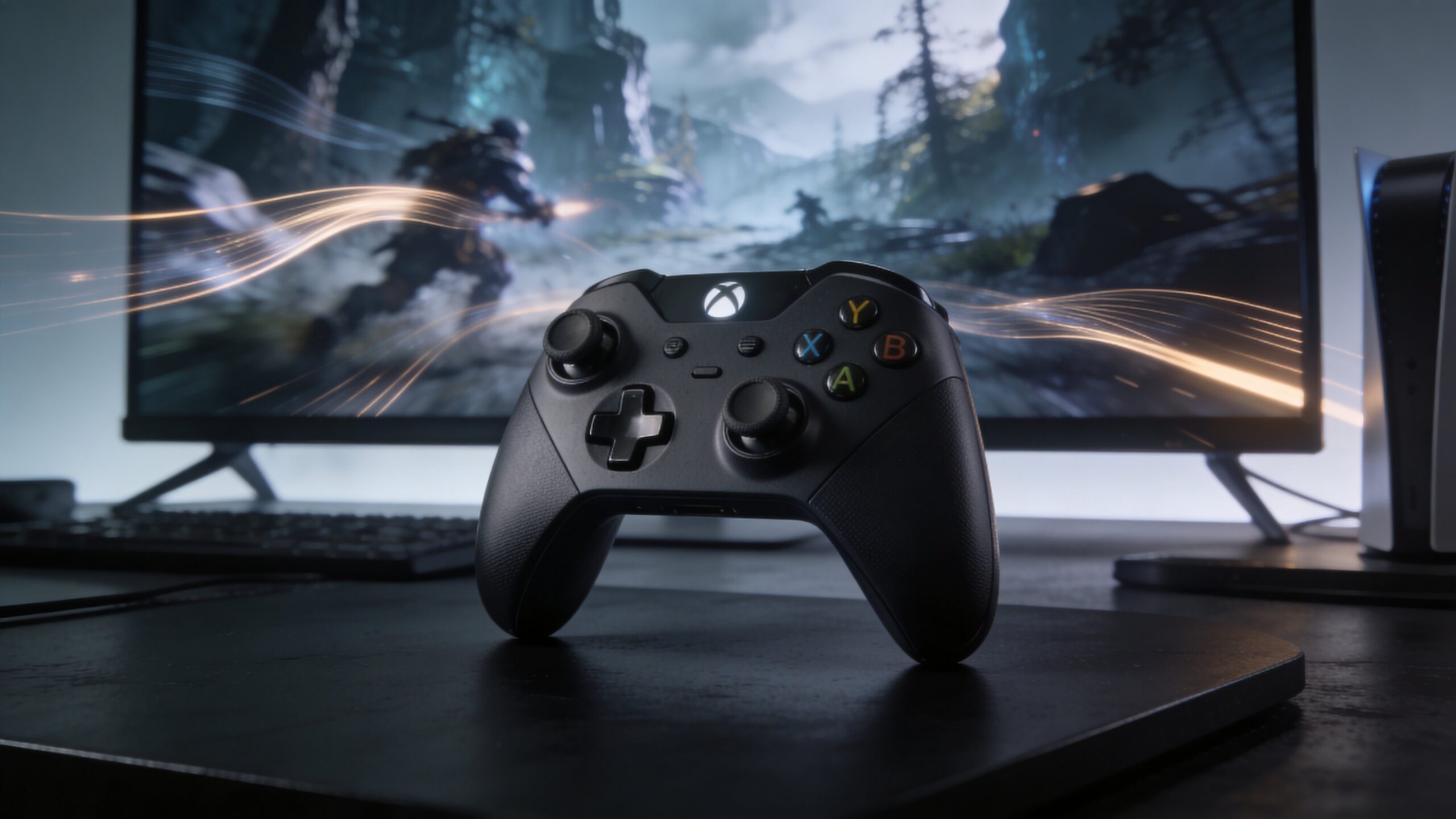
Why This Balance Matters More Than Ever
Cloud AI is changing how digital graphics are created, delivered, and experienced. In the past, better visuals usually demanded more powerful hardware, more local storage, and longer rendering times. That tradeoff shaped everything from PC gaming and video production to simulation, design, and streaming media. Today, cloud AI is rewriting that equation. Instead of forcing devices to do all the heavy lifting on their own, cloud-based systems distribute the workload across remote servers, intelligent algorithms, and adaptive delivery pipelines. The result is an experience that can look richer, sharper, and more dynamic without always requiring top-tier hardware in the user’s hands. This matters because users now expect both beauty and speed. They want high-resolution worlds, realistic lighting, smooth frame pacing, fast loading, and responsive controls all at once. Whether someone is playing a cloud-streamed game, editing 3D content online, viewing architectural visualizations, or interacting with a virtual showroom, the same question keeps appearing behind the scenes: how do you deliver premium graphics without sacrificing performance? Cloud AI answers that question by constantly making smart decisions about what to render, what to compress, what to predict, and what to prioritize.
A: No, but it reduces how much top-end local hardware is required for high-quality graphics.
A: AI upscaling reconstructs detail so the final image appears cleaner and higher resolution.
A: Because visual quality means less if controls feel delayed or interactions feel disconnected.
A: Adaptive systems can change bitrate, detail levels, and delivery settings to protect smoothness.
A: No, it also helps with design tools, simulations, virtual showrooms, and interactive media.
A: It preserves the parts of the image viewers notice most instead of reducing detail evenly everywhere.
A: Yes, denoising and reconstruction make advanced lighting more practical at lower cost.
A: Because doing so can raise latency, cost, bandwidth use, and instability.
A: An experience that looks rich, feels smooth, and adapts quietly without distracting the user.
A: It uses intelligent optimization to make premium graphics more accessible and efficient.
What Cloud AI Actually Does Behind the Scenes
At its core, cloud AI acts like a decision-making layer sitting between raw computing power and the final image the user sees. Traditional rendering pipelines rely heavily on fixed rules and brute-force processing. Cloud AI adds something more flexible: the ability to analyze data in real time, learn from behavior, and optimize visual delivery moment by moment. It can decide which parts of a scene deserve the most detail, which assets can be simplified temporarily, and how to maintain visual quality while reducing unnecessary workload. This intelligence shows up in many forms. AI can upscale lower-resolution frames so they appear sharper. It can predict motion to reduce perceived lag. It can allocate server resources dynamically when a scene becomes more demanding. It can compress video streams more intelligently by preserving detail where the human eye notices it most. Instead of treating every pixel and every object equally, cloud AI recognizes that not all image data has the same visual importance. That insight is one of the biggest reasons modern systems can deliver stunning visuals more efficiently than older pipelines ever could.
The Shift from Local Hardware Limits to Intelligent Remote Rendering
One of the most important changes brought by cloud AI is the reduced dependence on local device power. A phone, tablet, smart TV, or modest laptop can now access experiences that once demanded a high-end gaming rig or workstation. That does not mean the workload disappears. It means the workload moves. Much of the rendering, simulation, optimization, and enhancement happens in the cloud, where large-scale computing infrastructure can handle tasks far beyond what a local device could manage alone.
AI makes this shift practical. Remote rendering by itself is not new, but it becomes dramatically more effective when paired with machine learning. AI helps the cloud anticipate demand spikes, choose efficient encoding settings, and preserve the look of complex scenes under changing bandwidth conditions. Rather than sending raw visual output with no adaptation, the system tailors delivery based on device capabilities, connection stability, content type, and even user interaction patterns. In simple terms, cloud AI helps the remote experience feel less remote.
How AI Improves Visual Quality Without Rendering Everything at Full Cost
One of the smartest tricks in cloud graphics is selective enhancement. Instead of rendering every part of every frame at maximum fidelity, AI helps identify where high detail will matter most. Areas in motion, surfaces near the viewer, key focal objects, and visually important edges often receive more attention than background elements or low-priority regions. This allows systems to spend computational resources where they produce the biggest visible payoff.
That strategy becomes especially powerful when combined with AI upscaling. A scene may be rendered internally at a lower resolution to save time and server cost, then reconstructed into a sharper image using learned models trained to recover detail convincingly. To the user, the frame can look close to native high resolution, but the system avoided paying the full rendering price. This is one of the clearest examples of how cloud AI balances graphics quality and performance: it uses intelligence, not just horsepower, to create the illusion of more work than was actually done.
Frame Rate, Latency, and the Need for Responsiveness
Graphics quality is only half the experience. A visually impressive scene that feels slow or unresponsive quickly loses its appeal. That is why performance in cloud environments is not only about raw frame production, but also about timing. AI contributes here by helping reduce visible latency and maintain smoother frame delivery even when network conditions are imperfect.
In interactive experiences, especially cloud gaming and live design tools, milliseconds matter. AI can support motion prediction, packet recovery, and frame interpolation to create smoother transitions between rendered frames. It can also monitor interaction patterns and prefetch likely assets before the user reaches them. If the system expects a camera turn, a menu transition, or an upcoming environmental reveal, it can prepare data in advance. These predictive behaviors help the experience feel more immediate, which is essential when cloud delivery introduces physical distance between the user and the rendering hardware.
Smarter Compression Preserves What the Eye Cares About Most
A huge part of cloud graphics performance has nothing to do with rendering alone. Once an image is created on a remote server, it still needs to travel efficiently across the network. This is where AI-powered compression becomes critical. Traditional compression methods often reduce data in blunt ways, which can cause banding, blur, blockiness, or loss of fine texture. AI-driven compression is more perceptual. It focuses on preserving visual elements that matter most to human observers.
For example, facial detail, textural contrast, important edges, and motion-sensitive areas may receive higher preservation priority than flat backgrounds or less noticeable shadow regions. This selective intelligence allows the system to reduce bandwidth demands while protecting the quality that users are most likely to notice. In a crowded scene, cloud AI can make the stream more efficient without turning the entire image soft or muddy. That balance is vital in real-world conditions, where bandwidth fluctuates and not every user has a perfect connection.
Adaptive Quality Is the Secret to Consistent Experiences
One reason cloud AI works so well is that it does not chase a single fixed visual target. Instead, it adapts continuously. A static solution would fail the moment network conditions changed, server load increased, or content complexity spiked. AI gives the system flexibility. It can lower or raise streaming bitrate, alter internal render resolution, simplify some visual effects, or reallocate compute resources in response to real-time conditions.
The best adaptive systems do this quietly. Users may not even notice the adjustments unless conditions become extreme. That subtlety is the point. Cloud AI is most effective when it keeps the experience feeling stable even while making dozens of hidden decisions per second. It can sacrifice a little detail in one area to preserve frame pacing overall. It can soften a distant surface to keep motion fluid in the foreground. The balance is never random. It is guided by learned priorities and ongoing analysis of what will best protect the user’s experience.
Ray Tracing, Lighting, and the New Demands of Realism
Modern graphics quality is increasingly defined by lighting. Realistic shadows, reflections, global illumination, and material response all contribute to visual believability. But these features are expensive. Ray tracing, in particular, can be computationally demanding even on powerful local hardware. In cloud environments, AI helps make advanced lighting more feasible by optimizing how much of that realism is calculated directly and how much is reconstructed or approximated intelligently.
For example, AI denoising can clean up partially rendered ray-traced images, allowing systems to use fewer samples while still producing a polished result. This dramatically reduces the performance cost of advanced lighting. Rather than computing a perfectly clean image through brute force alone, the renderer produces an efficient version and lets AI refine it into something that looks much richer. This is another defining strength of cloud AI: it turns incomplete or lower-cost visual data into convincing final imagery, preserving realism without collapsing performance.
Why Cloud AI Is So Important for Games, Streaming, and Interactive Media
Gaming is one of the clearest use cases for cloud AI because it demands both visual quality and instant responsiveness. Players expect attractive environments, fluid action, stable frame rates, and minimal input delay. In a local-only system, that challenge depends heavily on the player’s hardware. In a cloud AI system, the platform can shoulder much of the burden through remote rendering, smart scaling, and predictive delivery.
But the same principle applies beyond games. Interactive product demos, virtual tourism, digital twins, simulation training, remote collaboration, and browser-based 3D tools all benefit from the same balancing act. In each case, users want rich graphics without waiting on massive downloads, expensive devices, or cumbersome setup. Cloud AI enables that by shrinking the gap between ambition and accessibility. It allows creators and platforms to offer high-end visual experiences to broader audiences while managing costs and technical constraints more effectively.
The Business Side of the Balance
There is also a commercial reason cloud AI matters. Higher graphics quality usually means higher infrastructure cost. More rendering time, more bandwidth, more storage, and more energy consumption all affect profitability. Platforms cannot simply max out every setting for every user and hope the economics work. AI helps solve that problem by improving efficiency at scale.
When cloud systems use AI to optimize rendering paths, compress streams intelligently, and allocate resources only where they are needed, they can serve more users without proportionally increasing costs. That efficiency makes premium-quality experiences more sustainable for providers and more accessible for customers. In other words, balancing graphics quality and performance is not only a technical challenge. It is also a business strategy. Cloud AI helps companies deliver visual wow-factor while keeping the platform responsive, scalable, and economically viable.
The Role of Personalization in Performance Optimization
An overlooked advantage of AI is personalization. Not every user values the same visual qualities in the same way. Some care more about fluid motion than ultra-sharp detail. Others want maximum fidelity for cinematic scenes, even if it means slight compromises elsewhere. Cloud AI can increasingly adapt to user behavior, device type, display size, and use case to tune the experience accordingly. A player on a large 4K television may receive a different optimization profile than someone streaming on a midrange tablet. A professional reviewing 3D product textures may get more aggressive detail preservation than a casual viewer browsing an interactive scene quickly. AI can infer these priorities and adjust quality settings invisibly. This creates a more tailored experience while still protecting performance. It also points toward the future of graphics delivery, where visual optimization becomes less generic and more context-aware.
The Challenges Cloud AI Still Has to Solve
Despite its promise, cloud AI is not magic. It still operates within real constraints. Network instability can still damage responsiveness. Aggressive AI reconstruction can sometimes create artifacts, softness, or unnatural texture patterns. Predictive systems can misjudge intent. Compression models can fail in scenes with rapid complexity changes. Server infrastructure is expensive, and performance consistency across regions remains a challenge.
There is also a design challenge. Developers and platforms must decide how much they trust automation versus manual control. Too much automation can create inconsistent visual behavior. Too little can limit the benefits of AI altogether. The best systems usually combine learned optimization with carefully designed human rules and thresholds. That hybrid approach helps prevent AI from making visually clever but contextually poor decisions.
What the Future Looks Like
The future of cloud graphics will likely be defined by even tighter collaboration between rendering engines, AI models, and network systems. Instead of thinking about graphics, compression, and streaming as separate stages, platforms are moving toward unified pipelines where AI sees the whole picture. It can understand scene complexity, user input, display context, bandwidth conditions, and hardware capabilities at once. That broader awareness will make balancing quality and performance even more precise.
We can expect smarter real-time upscaling, more perceptual streaming, better latency masking, and more efficient lighting reconstruction. We may also see AI helping generate intermediate detail dynamically, reducing the need to store enormous asset libraries. In that future, cloud graphics will not just transmit high-end visuals. They will assemble them intelligently, moment by moment, based on what matters most.
Why This Balance Defines the User Experience
In the end, users rarely think in technical terms. They do not ask whether a frame was upscaled, whether the compression model was perceptual, or whether the lighting pass used AI denoising. They ask a simpler question: does it look good, and does it feel smooth? That is the true measure of success. Cloud AI matters because it helps platforms answer yes to both parts of that question more often. How cloud AI balances graphics quality and performance is really a story about priorities. It is about knowing where detail matters, where efficiency matters, and how to protect both without letting one destroy the other. It is about creating visual richness that feels immediate instead of heavy, scalable instead of fragile, and premium instead of compromised. As cloud-powered experiences continue to grow, this balance will become one of the defining advantages of modern digital platforms. The winners will not be the systems that simply render the most. They will be the systems intelligent enough to render what matters most.